Launch your iOS app in days, not weeks.
Skip the painful setup. Onboarding, Apple and Google sign-in, RevenueCat subscriptions, Firebase analytics and crash reporting. All wired up, in a SwiftUI project your AI agent already understands.
Spin up your project
Step 2 / 3Everything wired up. The boring setup, gone.
Onboarding, Apple + Google sign-in, RevenueCat subscriptions, Firebase analytics, an AI assistant, notifications, a home screen widget, and an Apple Watch app. All generated, all wired together, all in real Swift you can ship.
SwiftUI shell
4-tab scaffold, navigation, settings, paywall sheet. iOS 17+. No watermarks.
Networking layer
Typed HTTP client with bearer-token auth, retry, and clean error cases. Define endpoints as enums; call them from any view.
Type-safe assets
Strings, colors, fonts, and images referenced by name. SwiftGen turns them into compile-time constants so a typo is a build error, not a missing image at runtime.
RevenueCat wired
Entitlement, offering, packages, paywall sheet, restore flow. All hooked up.
Worldwide pricing
Type one US price; we push a real price to all ~175 App Store countries, then let you tune per region with one click. Most apps price only the US and leave the rest empty.
Apple + Google sign-in
Sign-in-with-Apple parity ready. Google sign-in toggle ships pre-configured.
Firebase analytics
Analytics + Crashlytics wired into the launch sequence. Off by default; on by toggle.
AI assistant
OpenAI, Anthropic, or Apple's on-device intelligence behind one call. Switch providers anytime. Keys stay on the user's device.
Notifications
Local notifications work out of the box; push pre-wired with the entitlement. Request, schedule, handle taps, register for APNs.
Home screen widget
WidgetKit extension in small, medium, and large, reading live app data through a shared App Group. Toggle on, customize the views.
Apple Watch app
watchOS app embedded in your iOS app, with bidirectional phone-to-watch messaging over WatchConnectivity wired both ways.
Swift Skills bundle
CLAUDE.md, .cursorrules, skill.json. Your AI agent reads them before writing a line.
Works with every major AI agent.
Cursor, Claude Code, Codex, Cline and any MCP agent. The skills bundle teaches them the project's conventions before they write a line.
Three steps. About five minutes, end to end.
One-time Stripe payment, magic-link sign-in, then this.
App basics
Name, bundle ID, optional modules. We pre-fill what we can.
bundleID = "com.deadpixel.aurora"
modules = ["paywall", "apple"]
Subscription pricing
Pick a US monthly + annual price. We snap each to Apple’s nearest tier.
annual = $39.00 // → tier 39
trial = 7 // days, optional
RevenueCat key
Paste your RC secret key. We create the project, app, entitlement, offering.
entitlement = "pro"
offering = "default"
Thirty hours of setup, in five minutes.
Every line item below is a thing you'd normally do by hand on day one. With Spaceport, most of them are already in the project before you open it.
Vibe-code friendly.
Built for SwiftUI AI agents.
Generic agents guess at architecture, re-implement the SDK, and scatter @Published everywhere. A Spaceport agent reads CLAUDE.md, .cursorrules and skill.json first, then writes Swift that matches the project. Works with Cursor, Claude Code, Codex, Cline and any MCP agent.
- Wraps view models in
ObservableObject+@Published - Calls
URLSession.shared.dataTaskdirectly, parses JSON inline - References
Image("AppIcon")andNSLocalizedString("welcome.title", …) - Wraps work in
.onAppear { Task { … } } - Re-checks
purchases.productsto decide if the user is paid
- Uses
@Observable+@Statefor view ownership - Routes every call through
APIClient.shared.send(_:) - References
Asset.Images.appIcon.imageandL10n.Welcome.title - Awaits in
.task { await vm.load() }, auto-cancels on disappear - Reads
SubscriptionManager.shared.hasEntitlement("pro")
Ships through App Review the first time.
We've shipped this kit through Apple. Yours will too.
No rejection from Apple.
Every generated project ships with App Store-compliant defaults: privacy manifest, ATT prompt logic, IDFA usage strings, sign-in-with-Apple parity, paywall copy that passes Guideline 3.1.2, and a clean Connect submission flow.
Set your price once. Spaceport wires the rest.
Spaceport creates your subscriptions in App Store Connect, sets the price, and connects them to RevenueCat (entitlement, offering, packages), so they are ready to sell the moment you launch. No tier-by-tier clicking, no copy-pasting product IDs.
Charge the right price in every market.
By default every country gets Apple's standard conversion of your US price. Or pick a purchasing-power strategy per subscription (Netflix-style and more): charge less where $9.99 is steep, like India or Brazil, and match local expectations where customers pay more, like Switzerland or Norway. It routinely lifts both conversion and revenue, and most indie apps never bother. One click, pushed straight to App Store Connect.
One price. One purchase.
Pay once, generate as many projects as you want. Lifetime updates included.
The generator + Swift Skills
Unlimited projects. Lifetime updates. 30-day refund if the generated project doesn't build.
- Xcode boilerplate generator · unlimited projects
- App Store Connect setup pushed via API
- RevenueCat project, app, entitlement, offering
- Swift Skills bundle
- Discord access · direct line to the founder
- Featured by Spaceport
- Lifetime updates to the generator
- 30-day no-build refund
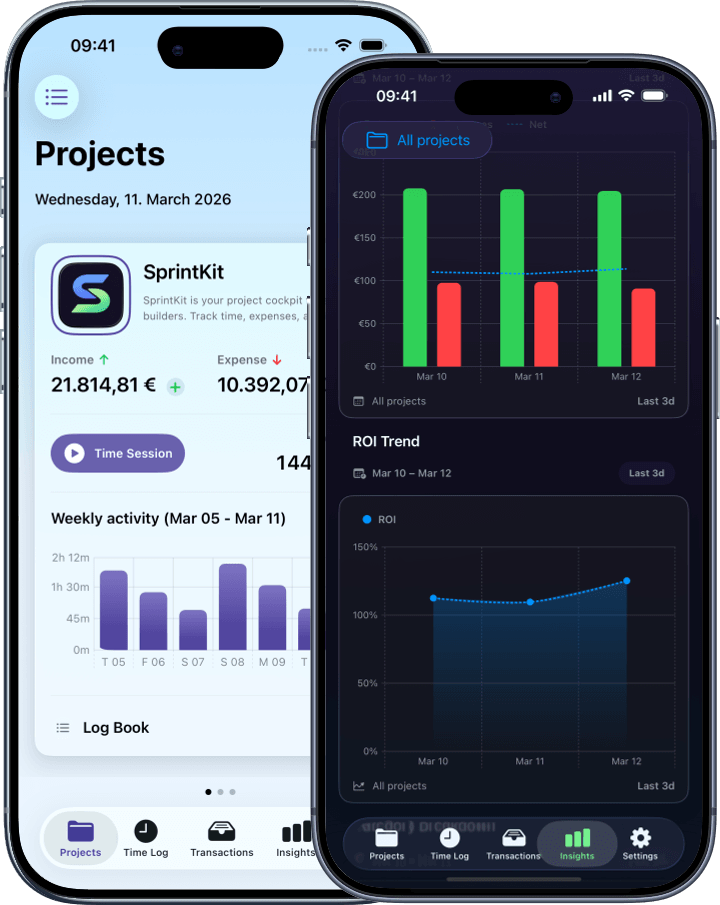
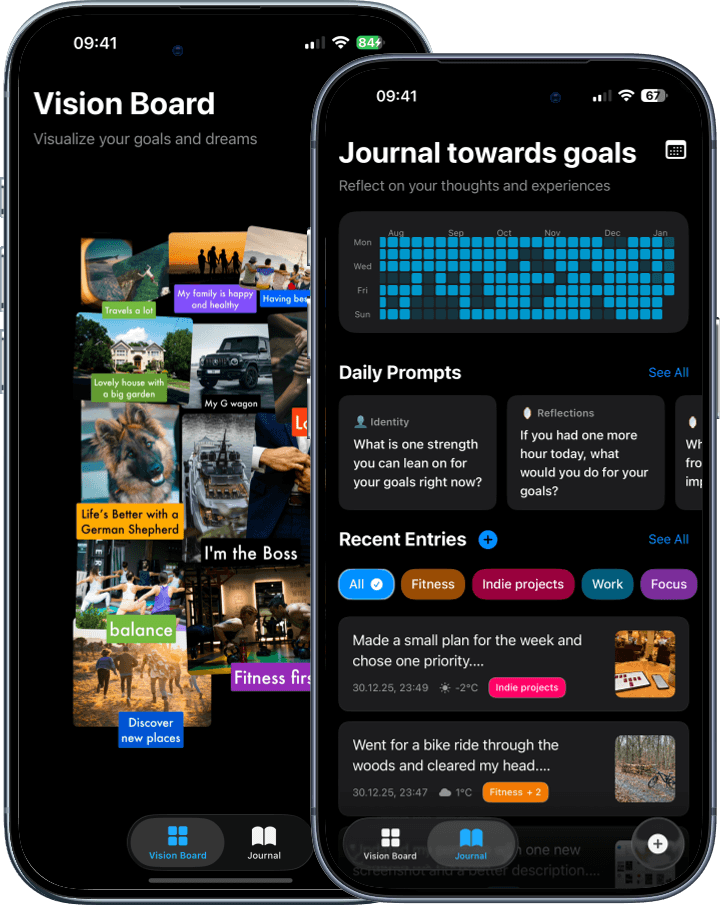
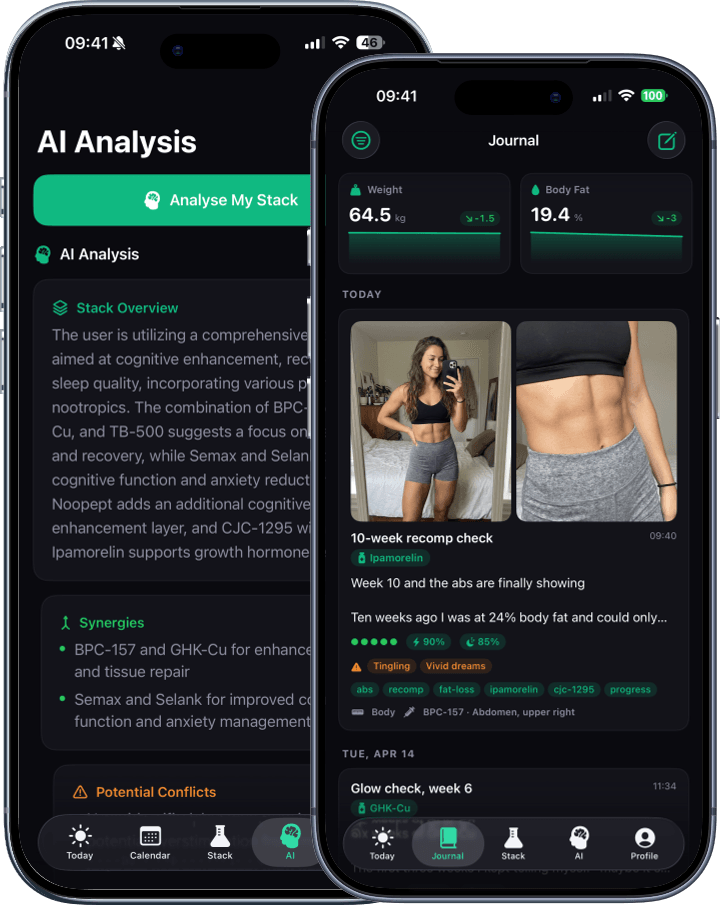
Real apps, built with Spaceport.
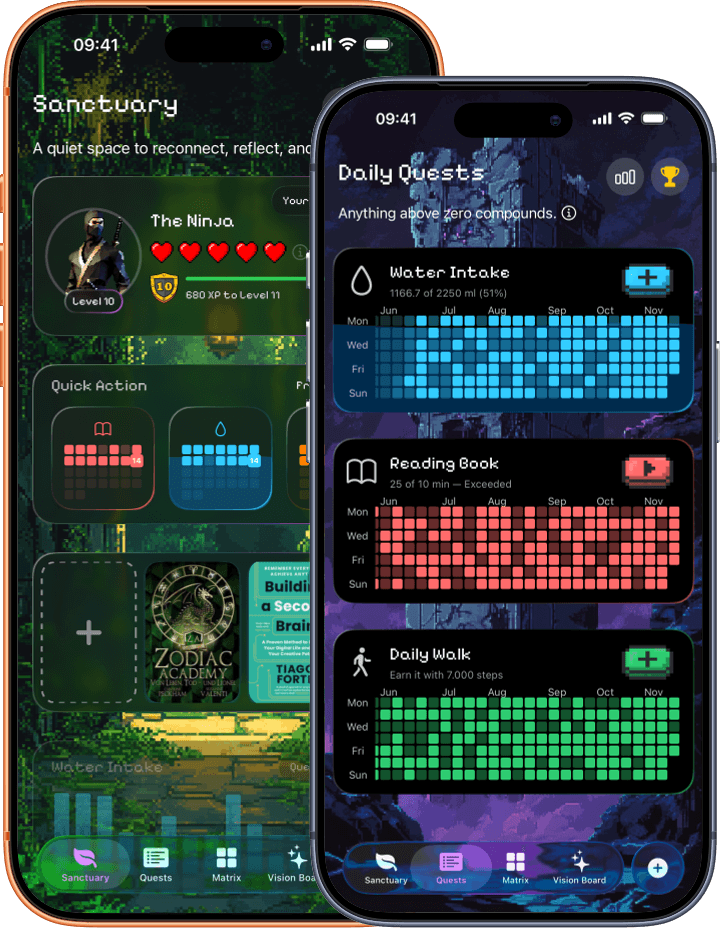
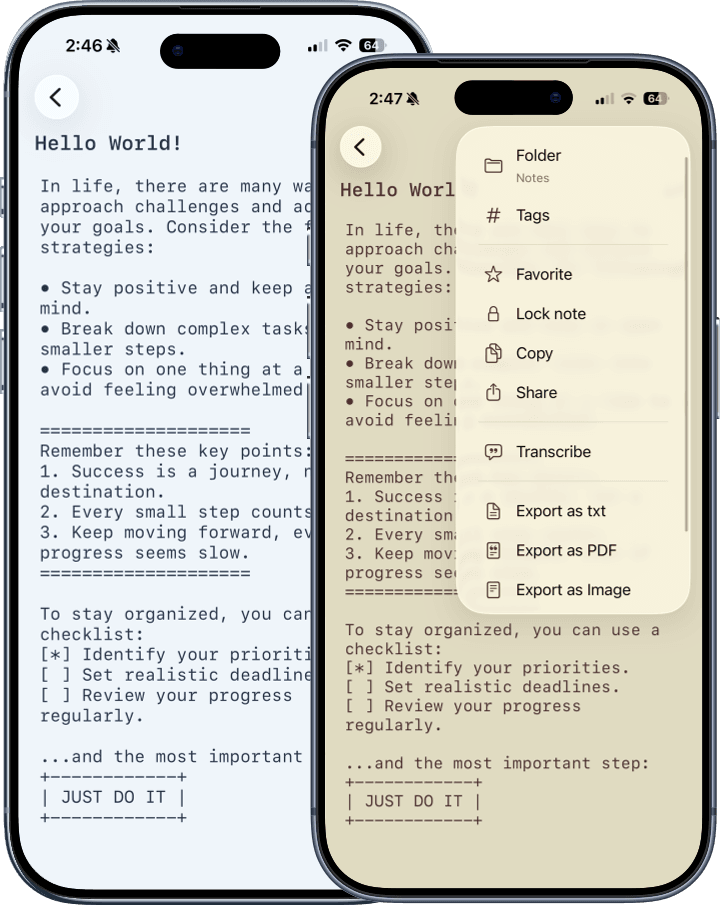
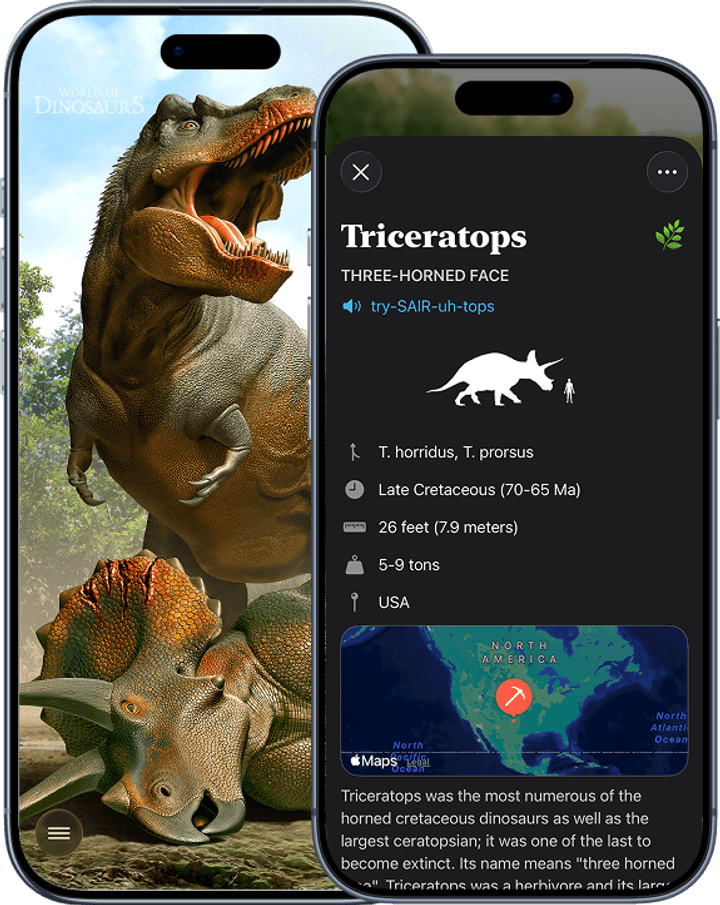
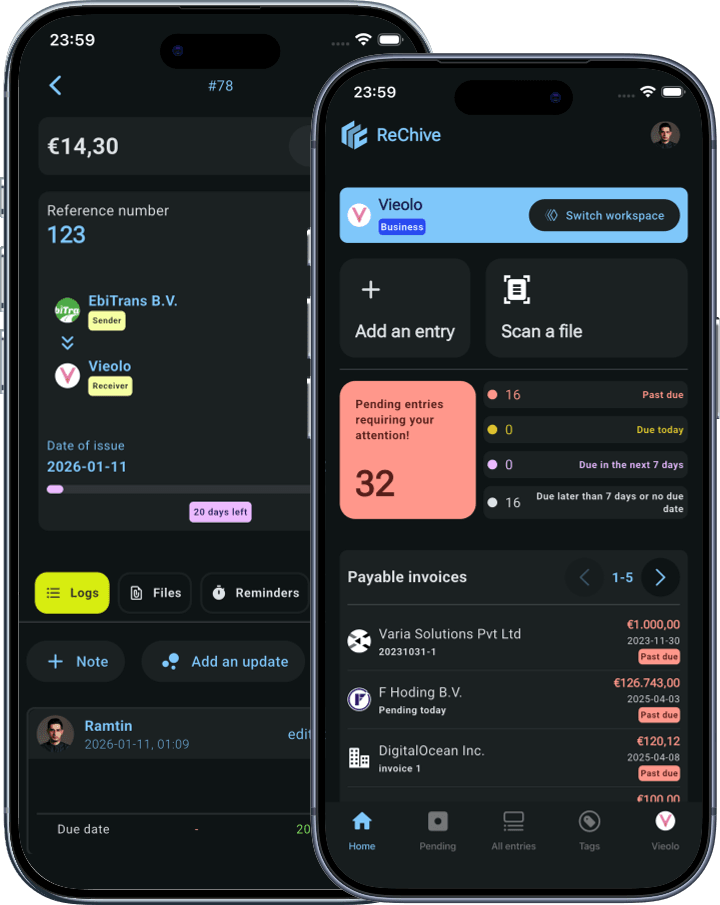
Live on the App Store, generated from this same wizard. Tap any one to open it on the App Store.







No black box. Every dependency is open source.
Your generated project pulls in well-known packages from GitHub. Nothing proprietary, nothing vendor-locked. If Spaceport goes away tomorrow, your project keeps building.
Spaceport's Swift wrapper around RevenueCat. The patterns the code generator targets. Fork it, replace it, ignore it.
Sign in with Apple, wrapped in a SwiftUI-friendly API. The module the wizard's Apple sign-in toggle wires up.
SwiftUI wrapper around Google's iOS sign-in SDK. The module the wizard's Google sign-in toggle wires up.
URLSession-backed HTTP client with async/await, typed endpoint protocol, retry, and auth interceptor. Used for every API call in your generated app.
One async API for OpenAI, Anthropic, and Apple's on-device Foundation Models. Pick the provider at runtime; API keys live in the device Keychain.
Type-safe assets, colors, fonts, and strings. Bundled with a working swiftgen.yml and the constants pre-generated, so it's set up out of the box.
Firebase Core, Analytics, and Crashlytics. Pulled in only when the Firebase toggle is on.
Builds typed Swift constants for assets, colors, fonts, and Localizable strings. A typo becomes a compile error, not a missing image at runtime. Constants ship pre-generated so the project builds with zero tooling.
Common questions.
Open it in Xcode, press Run, the app launches. You get a four-tab main screen and a polished onboarding flow that ends on a paywall. iOS 18 by default; pick a different deployment target (15, 16, 17, 18, 26) in the wizard.
Modules already wired up.
Toggle these in the wizard before generating; each one ships hooked into the right place:
• Subscriptions through RevenueCat with a polished paywall that activates the moment you paste your RC key
• Sign in with Apple and Sign in with Google
• Firebase Analytics and Crashlytics
• An AI assistant powered by SwiftAIKit, with one async call across OpenAI, Anthropic, and Apple's on-device Foundation Models (iOS 26+). Switch providers anytime; the user's API key stays in their device Keychain.
No glue code to write.
App Store Connect setup pushed for you.
Type your prices in the wizard. Spaceport calls App Store Connect's API to create the subscription group, products, prices, and localizations on your account. No clicking around in ASC's UI for an hour.
Networking ready out of the box.
Every project ships with
SwiftNetworkingKit wired through a single NetworkManager. Define each endpoint as a Swift enum (one enum per resource group, cases for each operation, computed baseURL/path/method) and call it in one line. Bearer tokens attach to every request after sign-in via an AuthInterceptor; errors come back as a typed NetworkError you switch on, instead of mystery network failures.Strings and images stay safe.
You reference them by name and the project auto-generates those names on every build. A typo becomes a compile error you catch right away, instead of a missing image at runtime.
Swift Skills bundle for AI coding tools.
Open the project in Cursor, Claude Code, Codex, or Cline and the AI follows your project's patterns instead of writing generic Swift. That happens because every project ships with
AGENTS.md, CLAUDE.md, and .cursor/rules pointing at one source of truth, plus three teaching packs by Paul Hudson covering modern SwiftUI, Swift Testing, and SwiftData. The how and why is in the next FAQ.Quality of life.
The download is a ready-to-open Xcode project: no XcodeGen, no setup script, and the SwiftGen constants ship pre-generated. Just open and press Cmd-R. Every new file you create from Xcode's New File menu starts with a comment header reminding the AI how the project works.
RevenueCatSubscriptionKit, which is open source. Fork or replace it if you want.1. A guide explaining how this project is organized.
Things like: how to make API calls, how subscriptions work, what naming to use, what to never do. Every supported AI tool reads the same source of truth, so they all give consistent answers.
2. Three teaching packs by Paul Hudson covering the parts of iOS development developers usually trip on:
• Modern SwiftUI: navigation, state, performance, accessibility, what new APIs to prefer over deprecated ones.
• The Swift Testing framework: writing tests the new way, migrating older XCTest code.
• SwiftData: Apple's data persistence, including predicates, CloudKit sync, and indexing.
Each is MIT-licensed and pre-installed. The AI reads them automatically.
Result: when you ask for "a settings screen with a form" or "tests for the subscription manager," the agent follows your project's patterns. Less code review, fewer rewrites.
info@deadpixel-studio.com. We test every release on macOS 14 + 15.